
What clients build with it
SHARP EDGES, FILED
The small things that annoy daily: extra fields, smarter forms, list views your team asked for, printed documents that look like your brand.
✓ Fits the 25-hour budget
REPORTS THAT PRINT RIGHT
Custom PDF layouts for quotes, invoices or delivery slips - with your logo, your columns, your language.
✓ Fits the 25-hour budget
SMALL AUTOMATIONS
Server actions and scheduled jobs that quietly do the routine: rename, assign, notify, archive.
✓ Fits the 25-hour budget
What these hours cover
✓Custom Python modules✓Views and reports✓API integrations✓Data migrations✓Architecture review✓Code review of every change
How we work after you buy
01
Checkout
Pay securely on erpswiss.com. The invoice is issued automatically.
02
Kickoff
Hours are credited the same day. Work starts within a week.
03
Weekly sprints
Every week you see what is done, hours spent and balance left.
04
20% alert
We warn you early - never a surprise invoice.
Pick your size
YOU ARE HERE
Starter
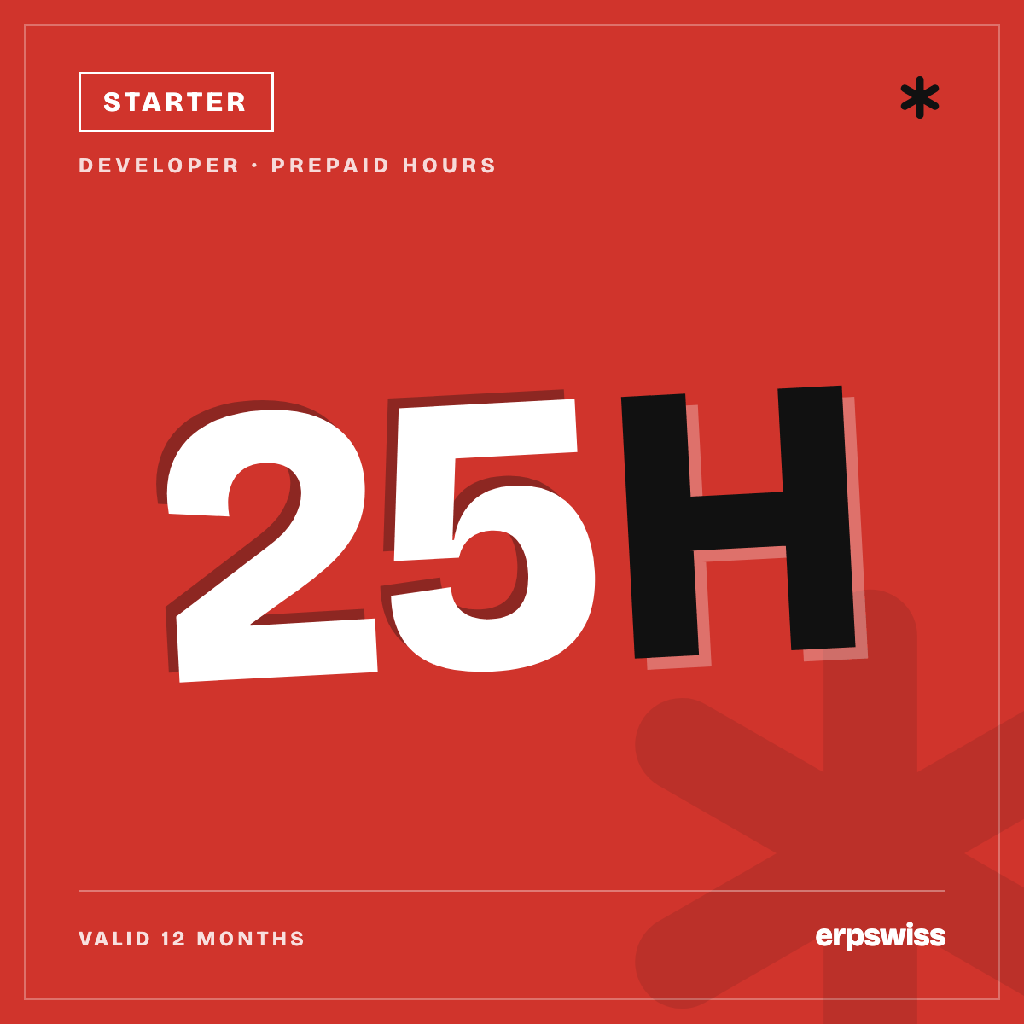
25 h · €45/h
€1,125
50 HOURS
Basic
€44/h
€2,200 →
100 HOURS
Standard
€43/h
€4,300 →
150 HOURS
Pro
€42/h
€6,300 →
200 HOURS
Enterprise
€41/h
€8,200 →
Questions people ask before buying
When does the work start?
Right after checkout: the invoice is issued automatically, hours are credited the same day and work starts within a week - your project manager contacts you to plan the first sprint.
How do I control the budget?
Every week you get a report: what is done, hours spent, balance left. When the balance reaches 20% we warn you in advance - there are no surprise invoices.
How long are the hours valid?
12 months from the purchase. You can spend them in one project or spread them over the year - support, tweaks, training, new features.
What if I need more hours?
Just add another package at any time. Bigger packages have a lower rate - Developer hours go from €45/h on Starter down to €41/h on Enterprise.
Can I combine this with Business Analyst hours?
Yes - Developer and Business Analyst packages work in parallel on the same project. Analysts configure and train, developers build custom code; each burns its own package.